SOUND FLIPPER GUIDES
Audio formats explained: choose the right file
Compare MP3, M4A, WAV, FLAC, AIFF, Opus and Vorbis by purpose, compatibility and what happens to your audio.
By Singularity Shift Ltd · Updated · Preview guide
Start with the destination
If a form asks for MP3, make an MP3. If an editor needs WAV, choose WAV. If you are keeping a recording for future work, retain its original or a verified lossless copy. There is no single format that is best for every task. A small delivery file and an editing master solve different problems.
Before converting, check whether the receiving app already accepts your file. A compatible original avoids a needless lossy encoding. Keep that original even when you need a second format.
A container is not the same as a codec
A container holds audio and may carry tags, pictures or timing information. A codec describes how the audio is encoded. M4A can contain lossy AAC or Opus, or lossless ALAC. Ogg can contain Vorbis or Opus. WAV and AIFF can hold several representations, so an extension alone is not sufficient evidence of compatibility.
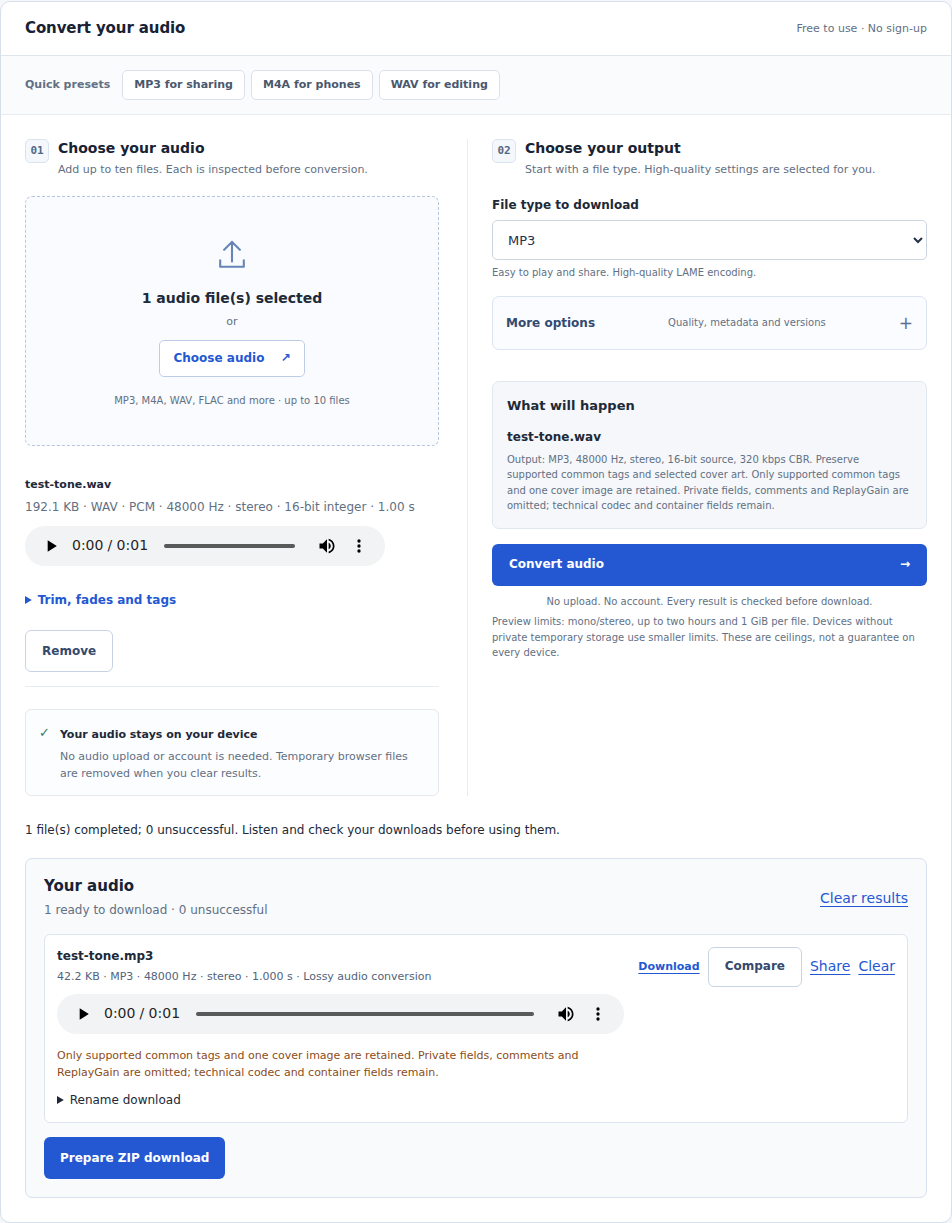
Sound Flipper inspects the contents and reports the actual codec, sample rate and channels. Renaming song.m4a to song.mp3 does not convert its audio. If inspection refuses a file, changing its filename will not repair an unsupported stream.
Three useful groups
Uncompressed PCM: WAV and AIFF are useful working containers. Their size grows predictably with duration, channels, sample rate and sample precision. Lossless compression: FLAC and ALAC can recover supported integer samples exactly while using a content-dependent amount of space. Lossy encoding: MP3, AAC, Vorbis and Opus trade some information for a smaller delivery file.
These labels describe encoding, not the history of a recording. A FLAC created from an MP3 still contains only the audio the MP3 decoder could recover. A large file is not proof of an original studio master.
A practical choice
For a voice recording requested by an older upload form, MP3 is a sensible compatibility choice. For an editing session, WAV makes the sample representation explicit. For storing an integer PCM master, consider FLAC or ALAC. Opus and Vorbis are useful where your destination explicitly supports them. Always test the actual file in the receiving application. For a delivery copy, use WAV to MP3 or M4A to MP3 with the original source.
The preview currently qualifies mono/stereo subsets, not every variant of each format. See the supported-format table before preparing a collection. Read M4A, AAC and ALAC when the extension leaves you unsure.
Technical reference
The FLAC project's FAQ explains the distinction between stored audio and container metadata. Our quality page describes what Sound Flipper actually verifies.